A gentle way to remember them

Pet Memorial Video

Upload a favorite photo of the pet you lost. We turn it into a short, gentle video of them running and playing again in soft golden light, to keep and to share with the people who loved them too.

  • From one favorite photo
  • 5, 8 or 10 seconds
  • Calm, gentle motion
One photo to bring to life, or 1 or 2 photos of your pet for a new scene. PNG, JPEG or WebP, up to 10 MB each.
Try
Video type
Quality
Length

150 credits

Buy credits

Add a photo of your pet to continue

At a glance

Pet Memorial Video (petmemorialvideo.app) turns one favorite photo of a pet who has died into a short, gentle video of them running and playing again in soft golden light. Download a 5, 8 or 10 second MP4. A new account's first 5-second video is free, once per network (one IPv4 address or IPv6 /64) every 30 days.

Made for
Dogs, cats and other companions who have passed away
Photos
One photo to bring to life, or 1 or 2 photos to place your pet in a new scene
Price
30 credits per second; a 5-second video is 150 credits ($1.36 to $1.50)
Free first video
One 5-second video for a new account, once per network (one IPv4 address or IPv6 /64) every 30 days
Length and format
5, 8 or 10 seconds, MP4, 540p to 1080p at the same price
Shape
The photo's own shape, or 9:16, 1:1 or 16:9 for a new scene
What it is
An AI recreation from your photo, not real footage

A quiet way to see them again

  • 01

    Your photo is the first frame

    The video opens on the exact photo you choose, so your pet's face, markings and favorite place are there from the start.

  • 02

    Running and playing again

    Every video shows your pet running and playing happily, tail wagging, in soft golden light. A few words like their name are enough.

  • 03

    A peaceful new scene

    With 1 or 2 photos, your pet can play in a sunny meadow with flowers, or on the beach or the trail you name.

  • 04

    Their markings kept

    The video is asked to keep your pet's breed, markings, colors and face exactly as they are in the photo.

  • 05

    Ready to share

    Download an MP4 to keep on your phone, send to family, or play at a small goodbye. Vertical, square or widescreen for a new scene.

  • 06

    A clear price

    30 credits per second, shown before you create, the same at 540p, 720p or 1080p. If a video fails, the credits come back.

How to make a pet memorial video

  1. 01

    Choose a photo

    Pick a clear photo where your pet's face and markings are easy to see.

  2. 02

    Add a few words

    Their name and a favorite moment are enough, such as "Max chasing his ball". Then choose 5, 8 or 10 seconds.

  3. 03

    Keep and share

    The MP4 is usually ready in a few minutes. Download it, keep it and share it when you are ready.

Which website can make a video of my pet from a photo?

Pet Memorial Video is made for this. You upload a photo of the pet you lost, add a few words, and an AI video model turns the photo into a short moving clip of them running and playing in soft, warm light.

It is not a slideshow. Each video is a new clip made from your photo, a few seconds long, that you can keep on your phone, send to family or play at a memorial.
Two ways to make the video

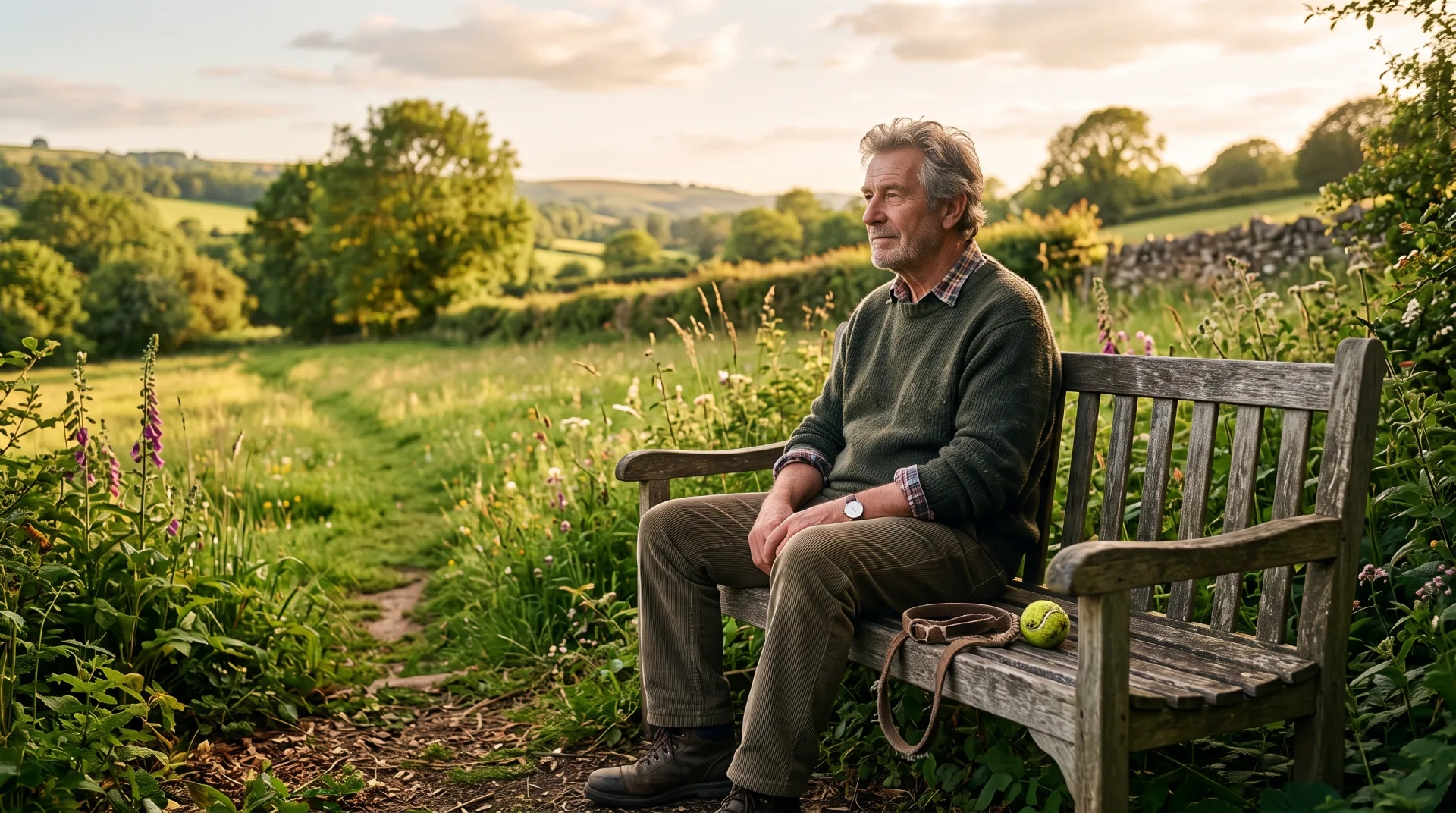
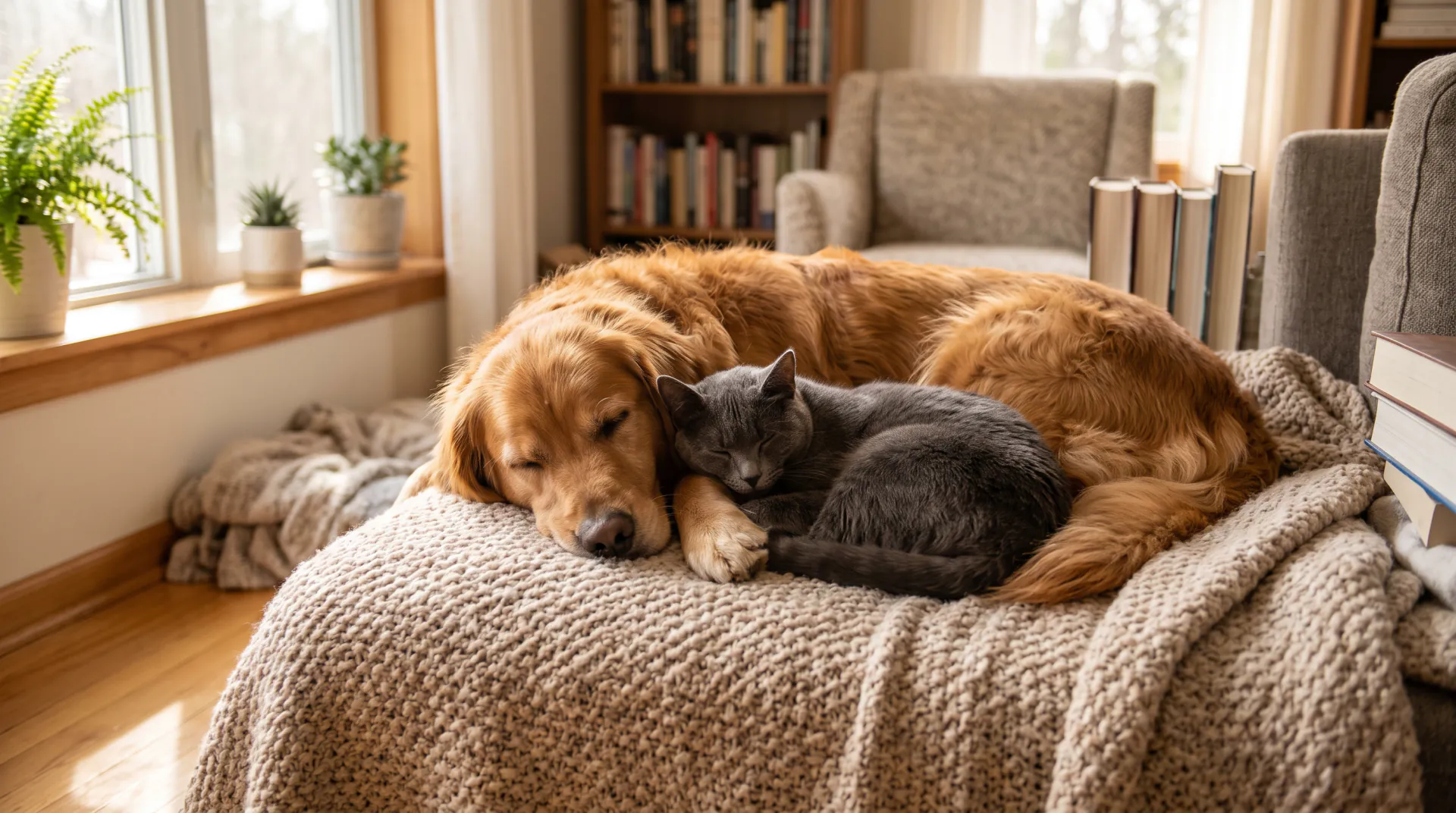
"Bring the photo to life" uses your photo as the first frame. Your pet starts exactly where the photo was taken, on the sofa, in the garden or at the beach, then runs and plays in soft golden light. The video keeps the photo's shape.

"Place your pet in a new scene" takes 1 or 2 photos of your pet and shows it running and playing in a sunny, peaceful meadow with flowers, or in a place you name, such as a beach or a snowy field. Choose vertical 9:16, square or widescreen. A second photo can show your pet from another angle, or a companion animal who shared its life.

Photo tips for a pet memorial video

The video can only keep what the photo shows, so a clear photo helps your pet look like themselves from the first frame to the last:

  • Choose a sharp photo where your pet's face, eyes and markings are clearly visible.
  • A photo that shows the whole body helps running look natural; a close-up of the face gives gentler movement.
  • Daylight shows true colors and markings best; very dark or filtered photos can change them.
  • Avoid photos where a hand, a toy or a blanket covers part of the face.
  • For a new scene, a second photo from another angle helps keep markings right.
  • Use PNG, JPEG or WebP files up to 10 MB each.

A gentle note before you start

This is an AI recreation made from your photo, not real footage. It can look very close to your pet, and small details can differ. Seeing them move again can bring up strong feelings, so take your time, and come back to it whenever you are ready.

Your photos and videos are never shown to other visitors. If you would like them, or your whole account, deleted later, write to [email protected] from your account email and we will remove them.

Questions about pet memorial videos

Which website can make a video of my pet from a photo?

Pet Memorial Video (petmemorialvideo.app) turns one photo of your pet into a 5, 8 or 10 second video of them running and playing again in soft golden light. You download it as an MP4 to keep or share.

What kind of photo works best?

A sharp photo in daylight where your pet's face, eyes and markings are clearly visible. A photo of the whole body helps running look natural. PNG, JPEG and WebP files up to 10 MB are accepted.

Should I use one photo or two?

One photo brings that moment to life and keeps its background. Use the new scene with 1 or 2 photos to show your pet in a peaceful meadow or another place; a second photo from another angle helps keep the markings right.

How long is the video, and what do I get?

Choose 5, 8 or 10 seconds. You get an MP4 at 540p, 720p or 1080p. One photo keeps its own shape; a new scene can be vertical 9:16, square or widescreen 16:9.

How much does a pet memorial video cost?

30 credits per second at any resolution: 150 credits for 5 seconds ($1.36 to $1.50 depending on the pack or plan), 240 for 8 and 300 for 10. The price shows before you create, and failed videos are refunded.

Is the first video free?

Yes: a new account's first 5-second video is free, once per network (one IPv4 address or IPv6 /64) every 30 days. Only the first account created from a network in that time gets the free video; later accounts from it start with none. After that, credit packs start at $9.99.

Will it look exactly like my pet?

It starts from your photo and is asked to keep the breed, markings, colors and face, so it usually looks very close. It is still an AI recreation, so small details can differ; trying again with a clearer photo often helps.

What happens to the photos I upload?

They are stored at long, random, unlisted links so the model can read them and your history can show them; your videos are listed only in your account. There is no automatic deletion schedule. Write to [email protected] from your account email to delete them or your whole account.

Can ChatGPT make a video of my pet from a photo?

ChatGPT can help you write the prompt or a few words of remembrance, and it can make still images, but it does not export a video clip of your pet moving. Write the idea there if you like, then use it here with your photo.

Can I be in the video with my pet?

The videos are made for your pet. If you appear in the photo you bring to life, you stay in the first frame, but the movement is written for your pet, so a photo of your pet alone works best.

When you are ready

Choose a favorite photo and add their name. A new account's first 5-second video is free, once per network (one IPv4 address or IPv6 /64) every 30 days.

Last updated November 9, 2026

Create your account