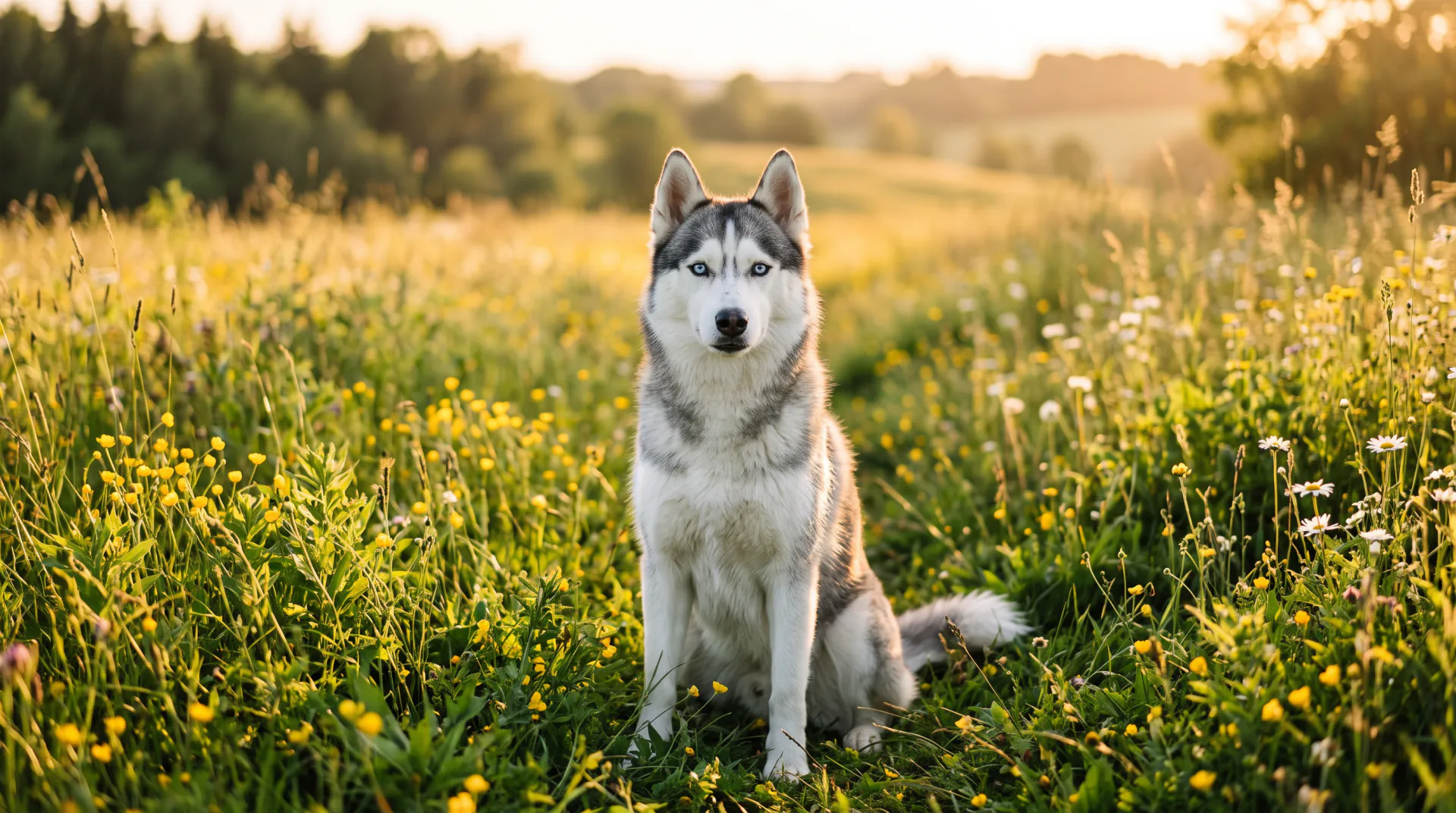
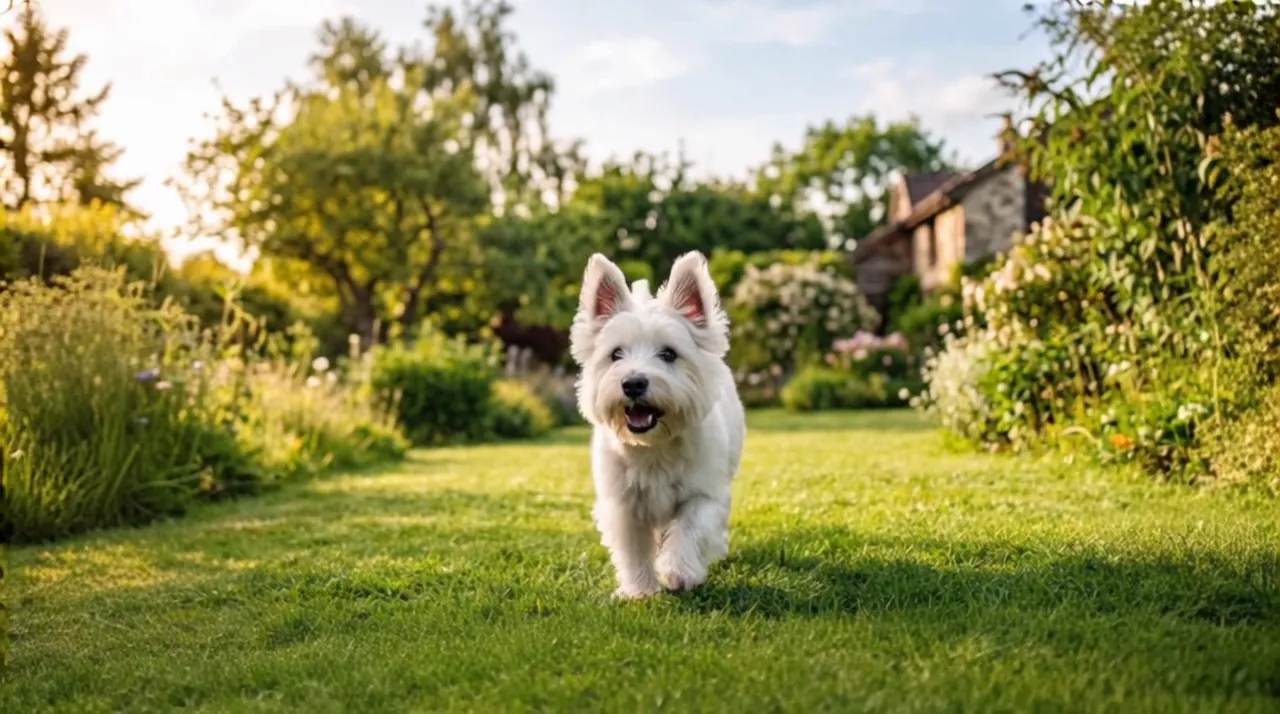

For the dog you miss

Dog memorial video: see your dog run again

Upload a favorite photo of your dog and see them run, play and wag their tail again in soft golden light, on the walk, the beach or the garden they loved.

  • From one favorite photo
  • 5, 8 or 10 seconds
  • Calm, gentle motion
One photo to bring to life, or 1 or 2 photos of your pet for a new scene. PNG, JPEG or WebP, up to 10 MB each.
Try
Video type
Quality
Length

150 credits

Buy credits

Add a photo of your pet to continue

At a glance

To make a dog memorial video, upload a clear photo of your dog, ideally showing the whole body, and write a few words such as "Max runs through the grass toward me". The video keeps their breed, markings and face and shows them running and playing in soft golden light; download the 5, 8 or 10 second MP4.

Photo ideas
A favorite walk, the beach, the garden, chasing a ball
Photos
One photo to bring to life, or 1 or 2 photos to place your pet in a new scene
Price
30 credits per second; a 5-second video is 150 credits ($1.36 to $1.50)
Free first video
One 5-second video for a new account, once per network (one IPv4 address or IPv6 /64) every 30 days

Your dog, as you remember them

  • 01

    Start from their best photo

    The video opens on the photo you choose, so the first thing you see is your dog exactly as you remember them.

  • 02

    Running and playing

    Every video shows your dog running and playing happily, tail wagging, in soft golden light.

  • 03

    Breed and markings kept

    The video is asked to keep their breed, coat, markings and face exactly as in the photo, from a puppy picture to their last summer.

  • 04

    Their favorite place

    Bring the photo to life where it was taken, or place your dog on the beach, the trail or the field you name.

How to make a dog memorial video

  1. 01

    Pick a photo of your dog

    A sharp photo with their face visible; the whole body helps running look natural.

  2. 02

    Write a favorite moment

    Their name and one thing they loved, such as "Max chasing his ball".

  3. 03

    Download and keep

    Save the MP4 to your phone, or share it with the people who knew them.

Ideas for a dog memorial video

The moments people choose are often small and familiar. A few that work well:

  • Running toward you across the park, the way they did when you came home
  • Chasing a ball or a stick in the garden
  • Trotting along the beach and looking back at the camera
  • A puppy photo, playing in the grass again
  • An older dog walking slowly through a field of flowers, calm and content
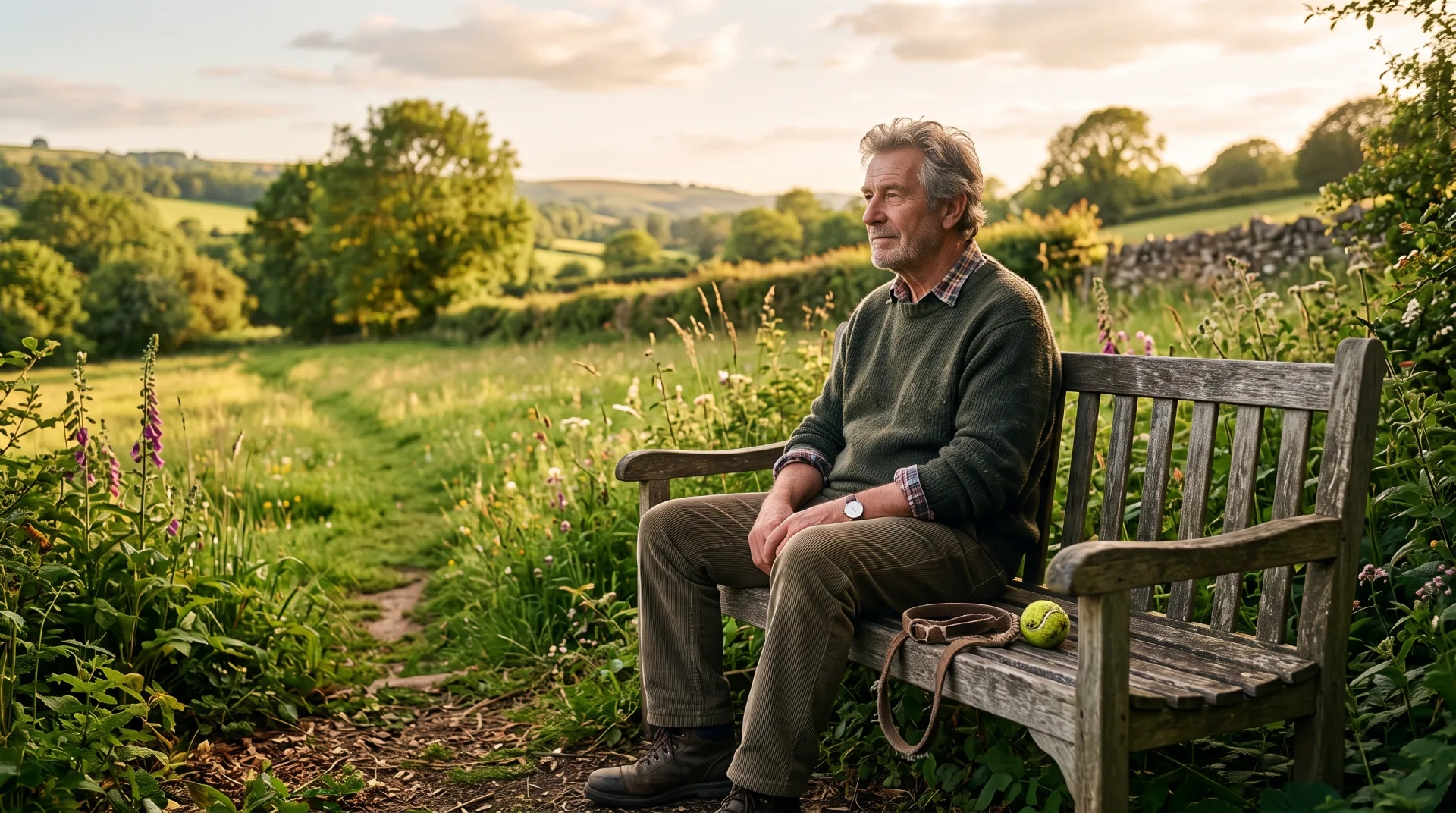
Sharing it with family

Many people send the video to the family members and friends who walked, fed and played with their dog. It can also be played at a small goodbye, or kept with other photos on your phone. If you post it, a short caption with their name says the rest.

Two ways to make the video

"Bring the photo to life" uses your photo as the first frame. Your pet starts exactly where the photo was taken, on the sofa, in the garden or at the beach, then runs and plays in soft golden light. The video keeps the photo's shape.

"Place your pet in a new scene" takes 1 or 2 photos of your pet and shows it running and playing in a sunny, peaceful meadow with flowers, or in a place you name, such as a beach or a snowy field. Choose vertical 9:16, square or widescreen. A second photo can show your pet from another angle, or a companion animal who shared its life.

Photo tips for a pet memorial video

The video can only keep what the photo shows, so a clear photo helps your pet look like themselves from the first frame to the last:

  • Choose a sharp photo where your pet's face, eyes and markings are clearly visible.
  • A photo that shows the whole body helps running look natural; a close-up of the face gives gentler movement.
  • Daylight shows true colors and markings best; very dark or filtered photos can change them.
  • Avoid photos where a hand, a toy or a blanket covers part of the face.
  • For a new scene, a second photo from another angle helps keep markings right.
  • Use PNG, JPEG or WebP files up to 10 MB each.

Questions about dog memorial videos

Can I use an old or slightly blurry photo of my dog?

Yes, but the clearer the photo, the closer the result. Scan prints in good light and choose the sharpest picture you have; the video starts from it as it is.

Can my two dogs be in the video together?

Yes. Bring a photo of both of them to life, or use the new scene with 2 photos, one of each dog, to show them playing together.

Will my dog look exactly the same?

The video is asked to keep their breed, markings and face, and usually looks very close. It is an AI recreation, so small details can differ; a sharp, well-lit photo helps most.

Is a dog memorial video free?

A new account's first 5-second video is free, once per network (one IPv4 address or IPv6 /64) every 30 days. After that, a 5-second video costs 150 credits, and credit packs start at $9.99.

See your dog run again

Choose a favorite photo, add their name and keep the video.

Last updated November 9, 2026

Create your account